
Cricket ID Login: Where the Username and Password Go, Made Simple
Scroll up in your Online Cricket ID chat to the message that arrived about 2 minutes after your deposit cleared. Two lines in it matter for the login: the top one belongs in the username box of the exchange, the next one in the password box, and that is the whole map from chat to screen.
- Username
- This is your Online Cricket ID itself, letters and digits in the order the desk wrote them, so treat it like a car number plate.
- Password
- The first password from the same message. Capital letters count, so a lowercase slip will be refused.
- Demo login
- A practice entrance a few exchanges put beside sign in. Skip it when your own Online Cricket ID money is the reason you opened the site.
Where do you type your Online Cricket ID details? In the browser. Chrome, Safari, whatever your phone or laptop already has, because the exchange is a website and nothing needs downloading before the form appears, which also means the same cricket id login works whether you are on a cheap Android handset at home or a work laptop on a lunch break. Two boxes, one tap.
One small habit that saves a lot of back-and-forth with Online Cricket ID: long-press the username in the chat and copy it rather than retyping it.
First Login on Your Online Cricket ID: Change the Password Fast
Change the password the first time you get in with your Online Cricket ID. The one in the chat is a starter: it has sat in a message thread, it may have been read over your shoulder, and Online Cricket ID would rather nobody but you knew the one that guards your balance.
- Once the starter pair has let you in, open the account or profile menu (the label differs a little between exchanges).
- Pick the change-password option and type the old password once.
- Type your new password twice, then save it.
- Sign out, sign back in with the new one, and confirm it works.
Step four feels like overkill. Skip it, though, and a new password saved with an accidental capital stays hidden until the next visit, which for plenty of Online Cricket ID customers means the 7:30 pm IPL start, phone in one hand, toss already done, and a sign-in form that keeps saying no. If you have not opened an account yet, the page on how to get cricket id before your first login covers the ₹100 deposit and the chat steps that come before any of this.
Pick something you will remember. Forget it anyway and Online Cricket ID can reset it, since the Online Cricket ID desk keeps your username on record.
The Free Demo Login Next to Sign In: An Easy Look Around
Some exchanges place a demo-login option beside the normal sign in, and it opens the site with play money so you can see the markets before anything is paid. Online Cricket ID offers that look on every exchange it issues IDs for, before you deposit a single rupee.
No username, no password, no balance of your own. Good for finding where match odds, session lines and the casino tab sit on that particular exchange.
Needs the pair Online Cricket ID sent you. Behind it: deposits you made, bets you placed, a password only you chose.
People mix the two up more often than you would think. Someone taps the demo option by habit, sees a balance that is not theirs, and messages the Online Cricket ID desk worried their money has changed; in practice they were simply never signed in to their own account, and logging out of the demo and typing the real username fixes it. Hard to blame anyone. The two sit right next to each other.
So a rule of thumb from the Online Cricket ID desk: if the username box is still empty, you are not in your own account.
Online Cricket ID Sign-In Refused? Three Causes, Easy Repairs
When an exchange turns your Online Cricket ID away, the account behind it is nearly always fine. What went wrong usually sits between your thumb and the screen, or in a link you saved weeks ago. Below, each refusal message is is matched with the reply Online Cricket ID would give you on WhatsApp.
| What you see | Likely cause | What to do |
|---|---|---|
| Wrong password message | Caps lock on, or a capital letter typed as lowercase | Look at the first letter, phones capitalise it on their own |
| Page will not load at all | Bookmark of an old address that has been blocked | Ask the desk for the current address and replace the bookmark |
| Username not recognised | A space before, after or inside the ID | Delete the field and paste the ID again without spaces |
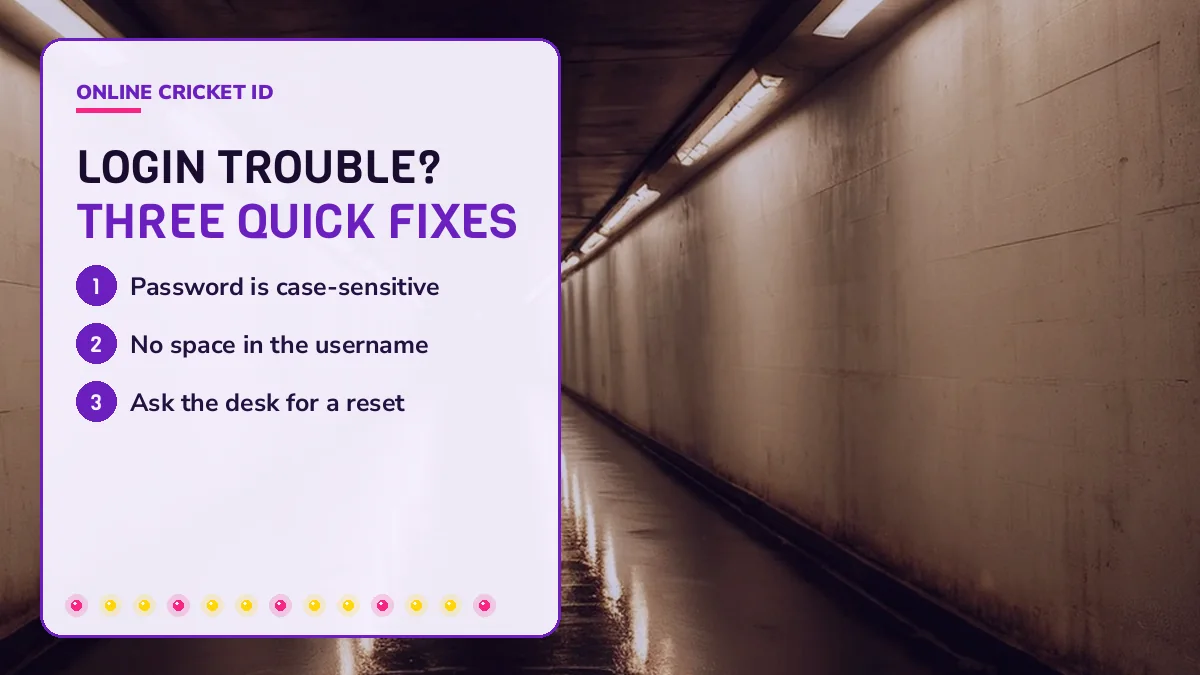
Case first. Passwords are case-sensitive on every exchange, so Rahul22 and rahul22 are two different passwords as far as the site is concerned, and phone keyboards love to capitalise the first letter for you without asking. Spaces are sneakier: a copy from a chat sometimes drags a trailing space along with it, and the username box will reject the whole thing.
Still stuck after all three? Save the number from the online cricket id whatsapp number page for login help and send a screenshot of the message you see.
The Online Cricket ID desk answers 24x7, so an Online Cricket ID login that fails in the small hours gets the same reply as one at noon.
Forgot the Password? Online Cricket ID Resets It on WhatsApp, Fast
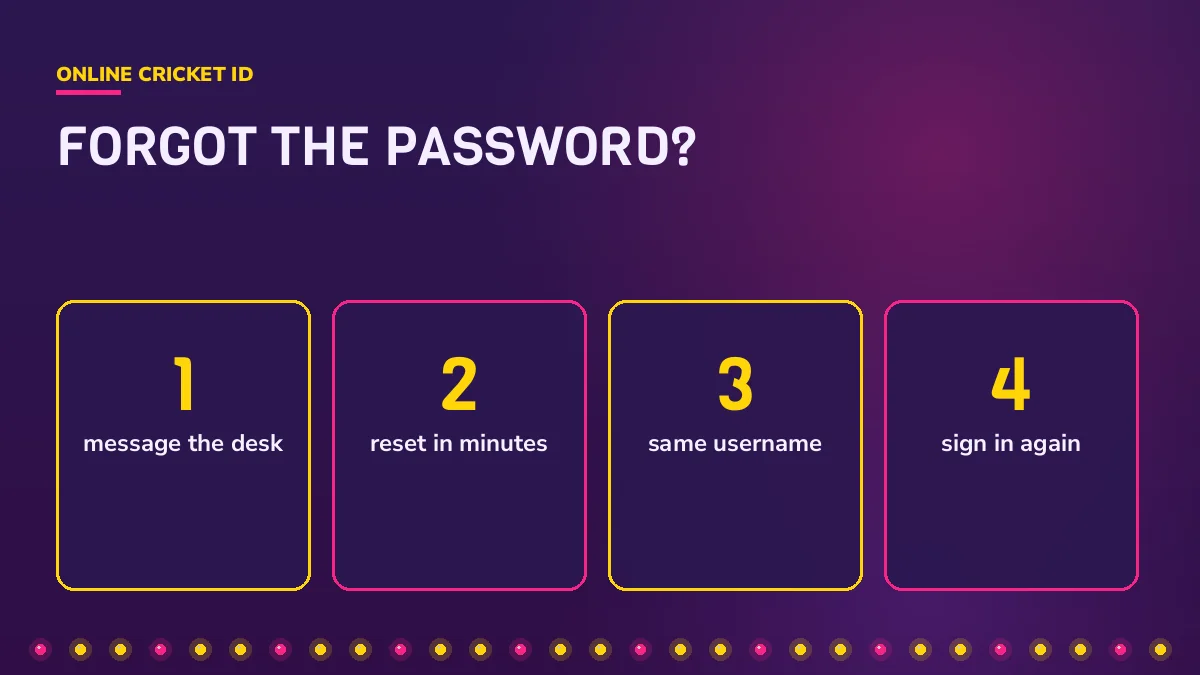
Lost password, same account. Online Cricket ID replaces only that one string: you write reset and the exchange name in the chat, and minutes later the answer arrives with a new password to type next to the the username you already know.
Typed it four times, kept getting refused. Sent one line to the desk. New password back before my tea went cold, same username, balance untouched.
A few things worth knowing before you ask. The desk will never request an OTP, a UPI PIN or card details to reset anything, and if someone in a chat claiming to be Online Cricket ID asks for one of those, that is not the desk, whatever the profile picture looks like. Use the reset, sign in, and change it again to something personal, the same way you did on day one.
- Write from the WhatsApp number the ID was opened on.
- Mention which exchange the ID belongs to.
- Change the reset password once you are back in.
The finer points on how account changes are handled sit in the online cricket id terms for password resets, which are short and worth a skim.
New Address, Same Online Cricket ID: Your Balance Stays Safe
Bookmarks go stale. A domain the exchange used last month can be blocked in India this month, and when that happens Online Cricket ID drops the replacement link into your chat; open it and type the username and password you always type.
Nothing about your login changes on the new address. Same username, same password you set, same wallet, same history, because the account lives with the exchange and not with whichever web address happens to point at it this month, so the only thing you actually update is the bookmark or home-screen shortcut on your phone.
- Old address shows an error or a blank page: ask the Online Cricket ID desk for the current one.
- Do not search for the exchange name and click the first result. Copycat pages exist.
- Overwrite the saved shortcut with the address the Online Cricket ID desk just sent.
Irritating, sure. Ask Online Cricket ID, paste the link it returns, and you are back at the same sign-in form with the same wallet behind it.
Cricket ID Login on Phone and Laptop: One Easy ID Everywhere
The same ID signs in on an Android phone, an iPhone and a laptop, because every exchange opens as a web app in Chrome or Safari. Online Cricket ID issues one username per exchange, and that username works on whichever device you pick up.
No store listing exists to install, so the login lives in your browser. Pin it once. In Chrome on Android, use the three dots and Add to Home screen; in Safari on iPhone, use Share and Add to Home Screen. What you get is the sign-in page itself as an icon, so your Online Cricket ID login form sits one tap away and never asks for an update. Our page on the cricket betting app shortcut for this login covers both phones step by step, plus the few exchanges whose own Android file the Online Cricket ID desk sends on WhatsApp.
Signed in on the laptop and the phone at once? Usually fine. Sign out on a shared computer, though.
Laptop, phone, tablet. One Online Cricket ID login, the same balance on all of them, and the Online Cricket ID desk on the same chat whichever you use.
Cricket ID Login Questions Answered Fast
How do I log in with my Online Cricket ID?
You need the browser, the address the desk gave you, and the login message in your WhatsApp chat. Copy the first line of that message as the username and the second as the password. Once inside, set a password of your own from the account menu. An Android phone, an iPhone or a laptop all work.
What should I do if the password shows as wrong?
Usually a capital letter is the culprit, since a phone keyboard often capitalises the first character on its own. Compare what you typed against the chat letter by letter. Browser autofill can also hold an older password. Two misses in a row, send reset to the Online Cricket ID desk instead.
How do I reset my Online Cricket ID password?
Write to the desk on WhatsApp from the number the ID was opened on, name the exchange, and ask for a password reset. A new password arrives within minutes. Your username, balance and open bets are unchanged. The desk never asks for an OTP, a UPI PIN or card details to do this.
Why does the cricket ID login page not open?
A saved link to a domain that has since been blocked is the usual reason. The exchange itself is fine, it simply lives at a fresh address now. Ask the Online Cricket ID desk on WhatsApp for it, update your shortcut, and sign in with the same username and password as before.
Online Cricket ID sign-in searches people make
- cricket id login
- online cricket id login
- cricket id login password
- cricket id password reset
- cricket id login kaise kare
- cricket id demo login
- cricket id new address
- cricket id login mobile
- forgot cricket id password
- cricket id username